Instrument
Modular
Play it from your DAW’s notes. Polyphonic, with your DAW’s Macro 1 to 8 on its knobs.
Opens on a four-voice synth.
An instrument, an audio effect and a MIDI effect. One editor, one engine, 88 modules.
Open it on any track.
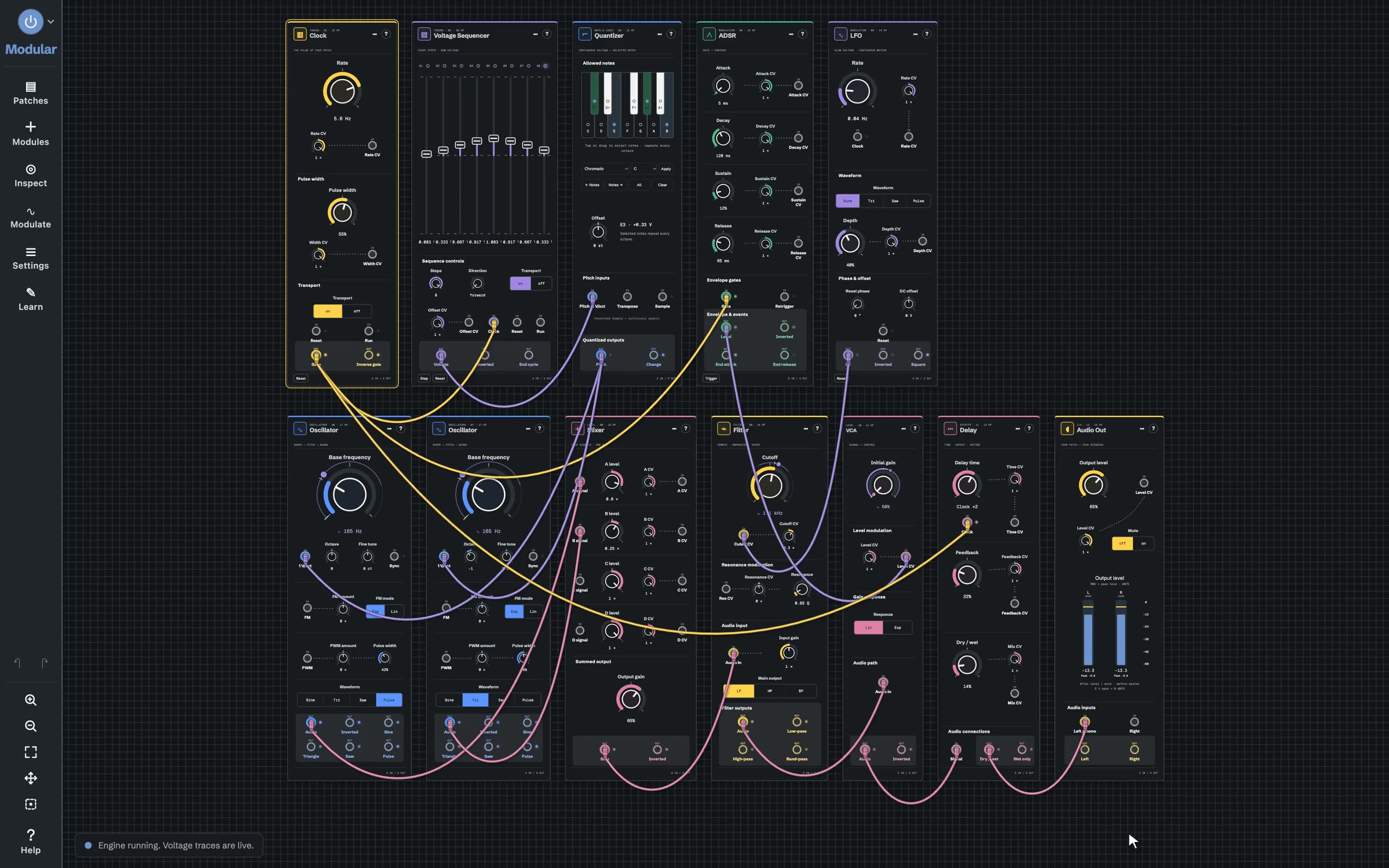
Modules sit on a grid, joined by cables that carry voltages. This patch plays a minor-seventh arpeggio through two oscillators, a filter and a delay.
Grab a knob.
Every control plays live, with its value right under it. Undo takes back anything.
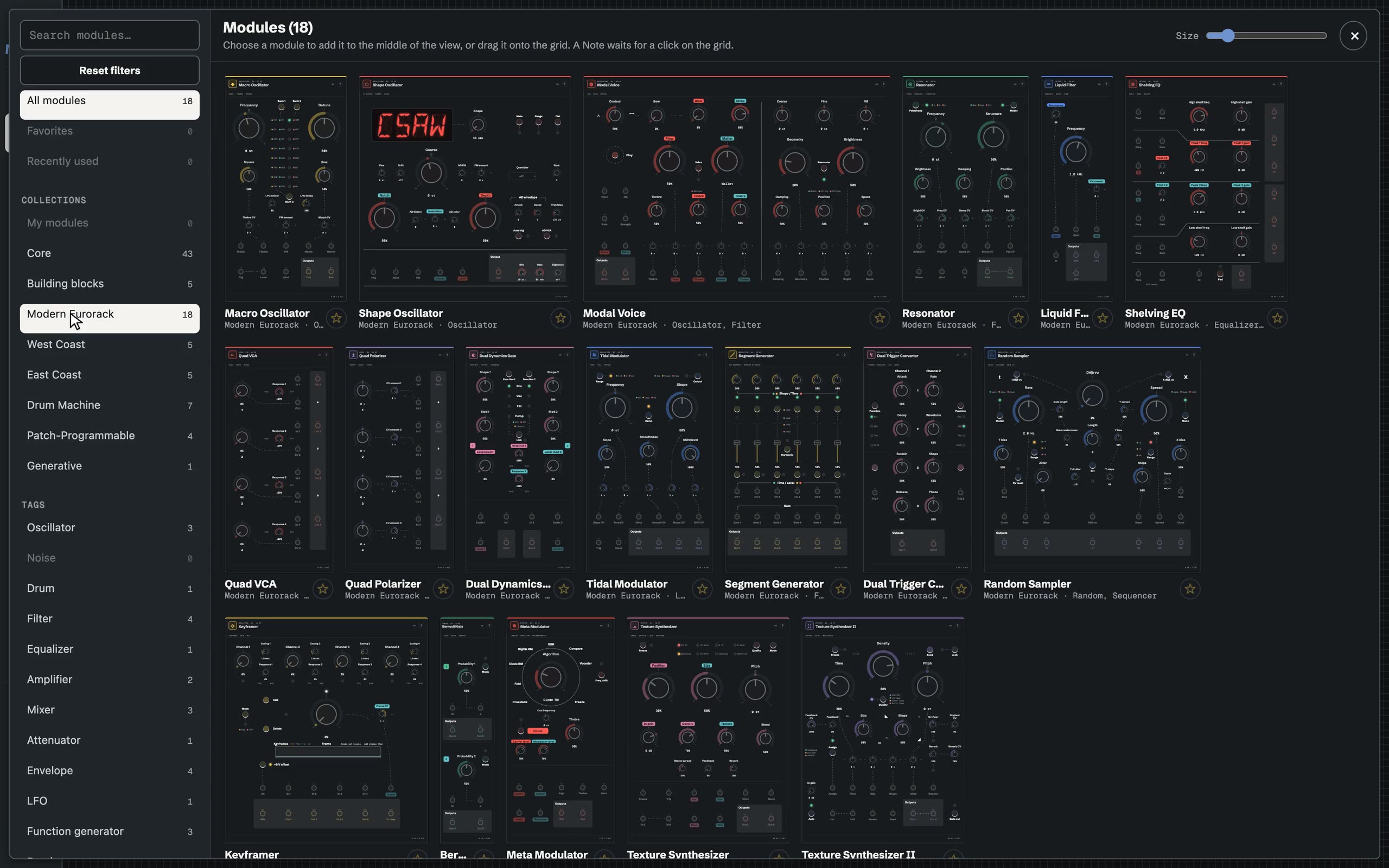
Need something else?
Analog-modelled oscillators, filters and VCAs, sequencers and clocks, drum voices, and modules modelled on classic Eurorack, East Coast and West Coast designs.
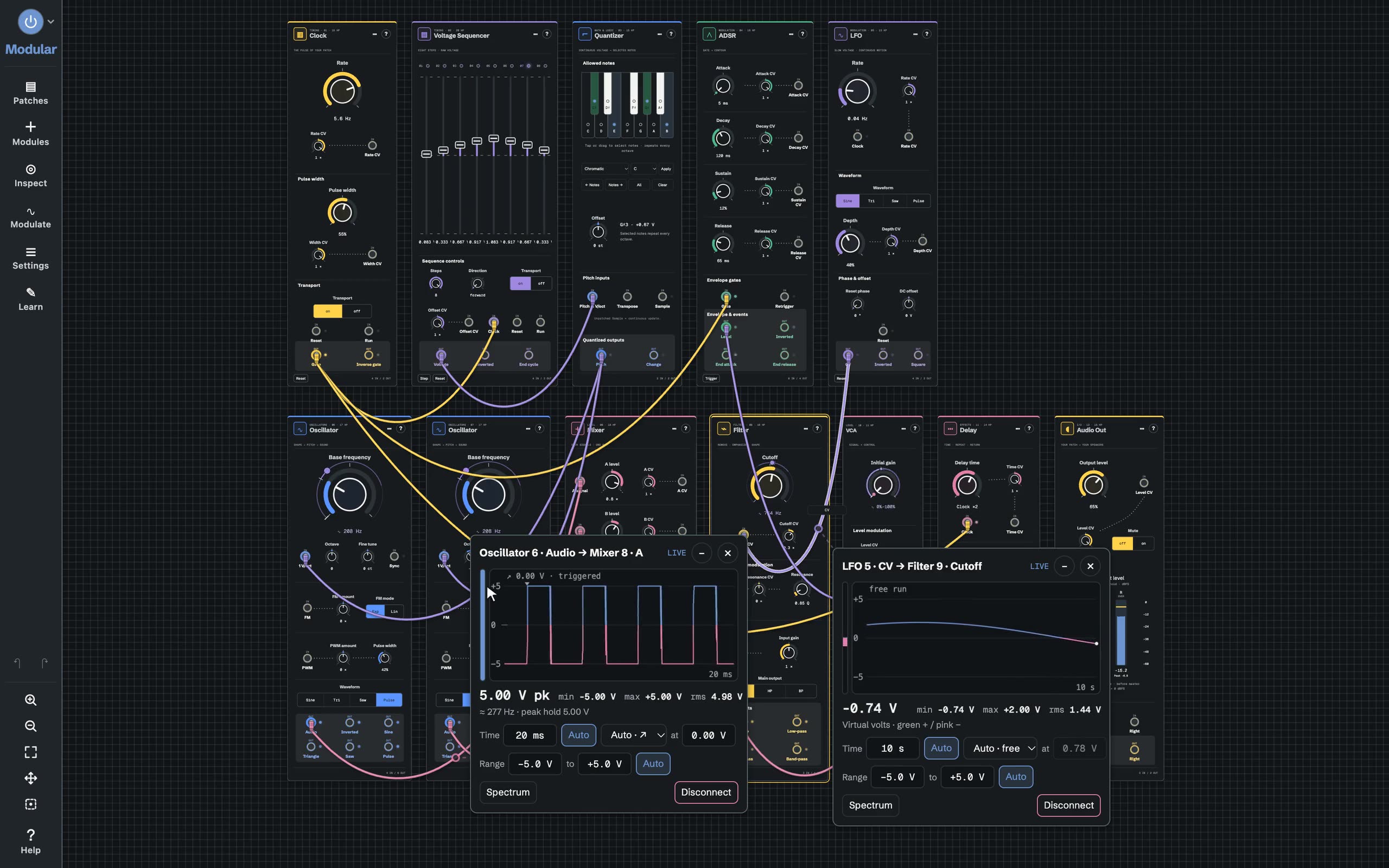
What’s on that cable?
Hover any cable to see what it carries. Click to pin it, and keep up to eight scopes open while you patch.
No cable needed.
Twenty of them, from LFOs, envelopes and random steps to followers, Macros and an XY pad.
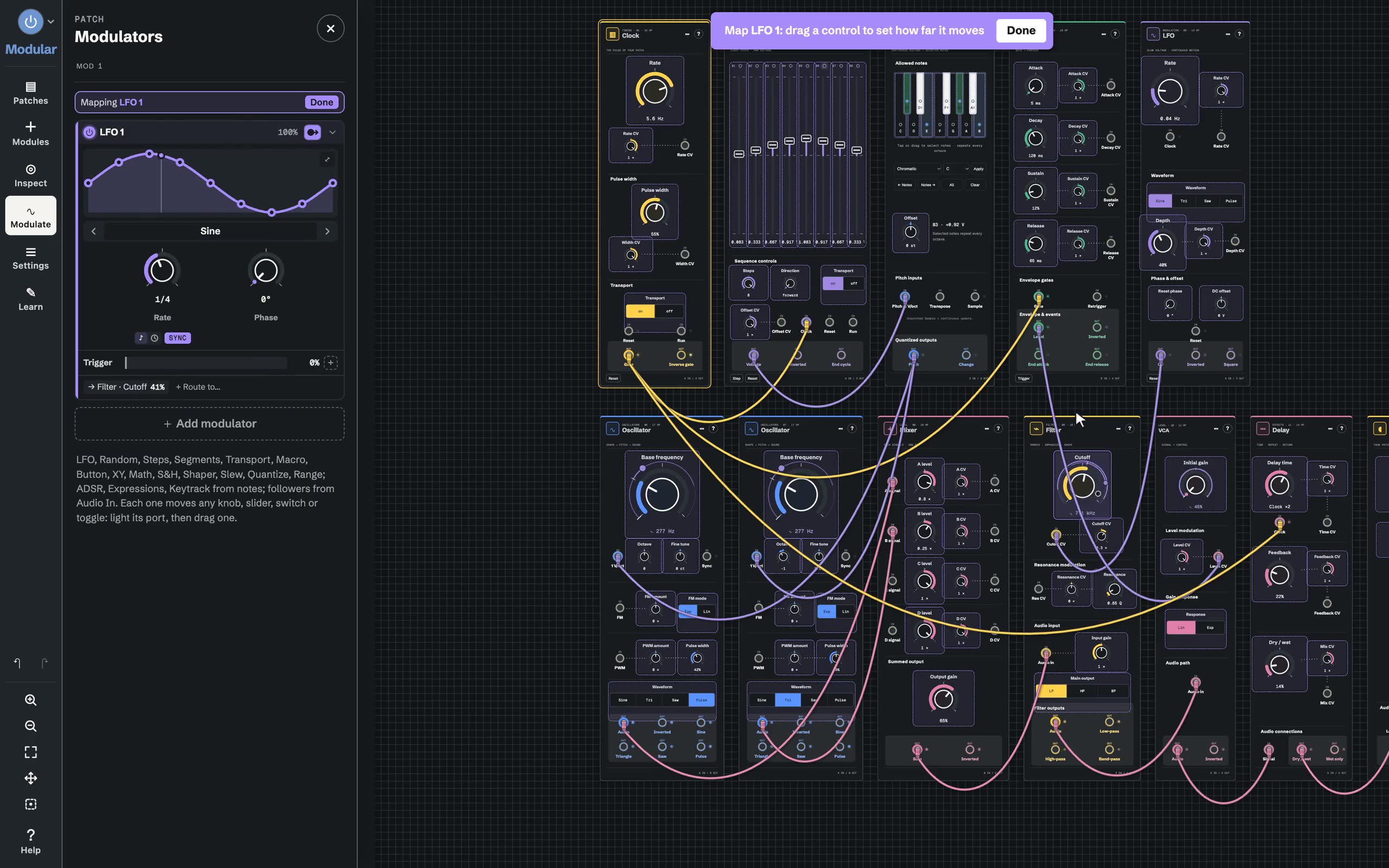
Light its port, drag a knob.
Any knob, slider, switch or toggle can move. Your DAW’s Macro 1 to 8 work the same way.
Need a module that doesn’t exist?
A Circuit is a module you build from blocks: arithmetic, filters, delays, buffers and more, with oversampling, spectral processing and convolution.
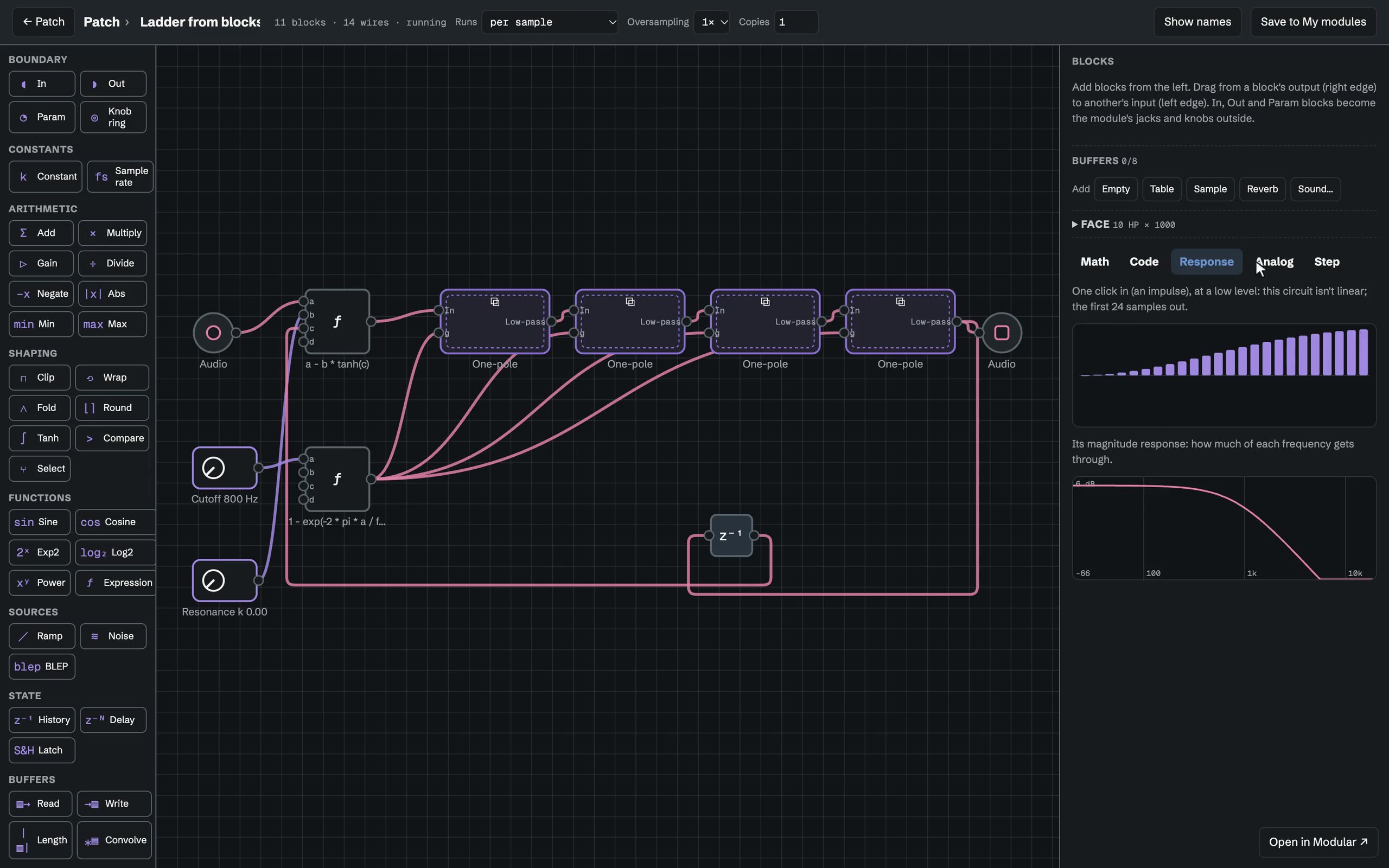
As you build it,
Math, Code, Response and Analog views follow the blocks, so you can see why it sounds the way it does.
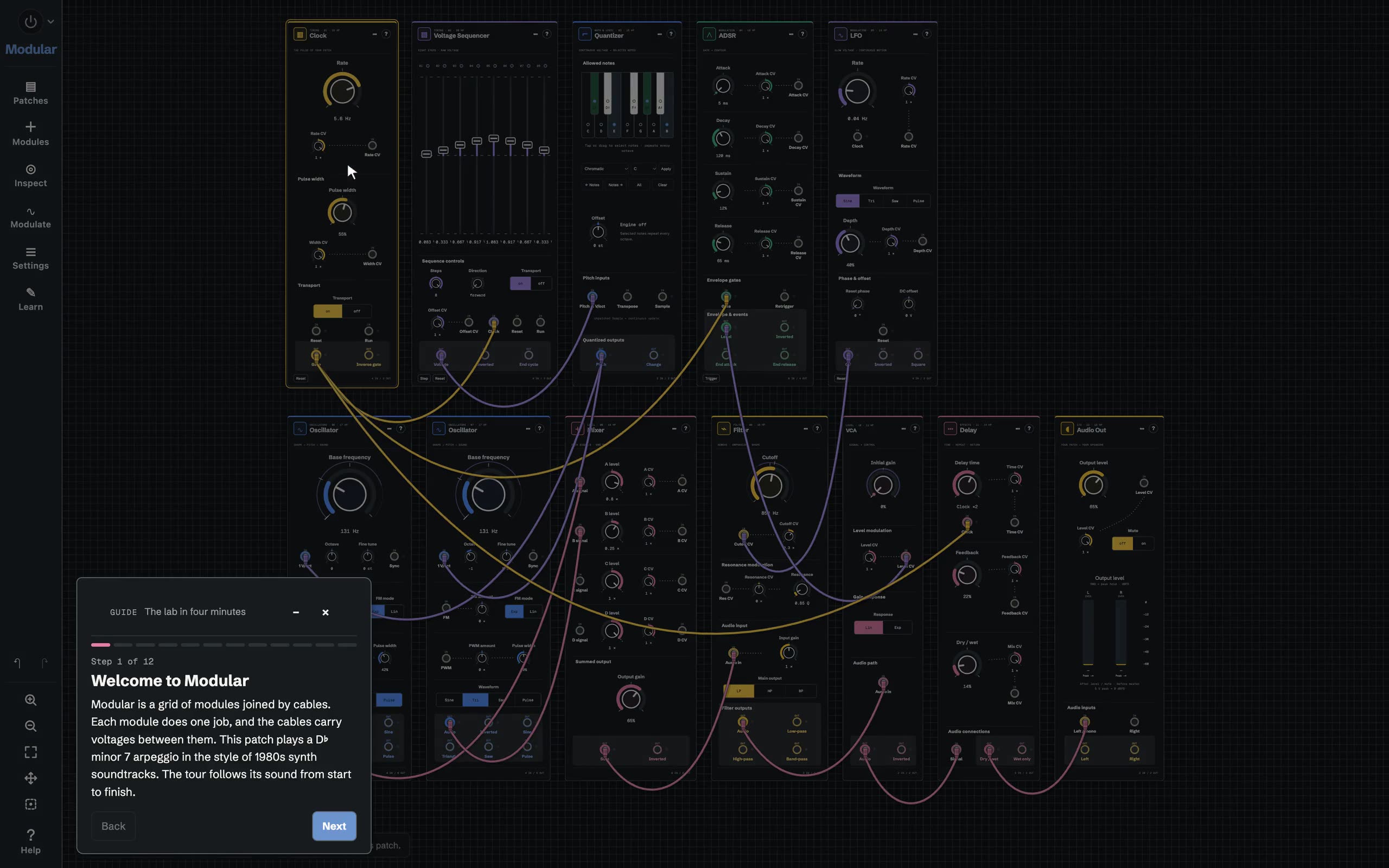
New to modular?
Guided tours walk you through a patch step by step, with each part lit up as you reach it. A short one starts the first time you open Modular.
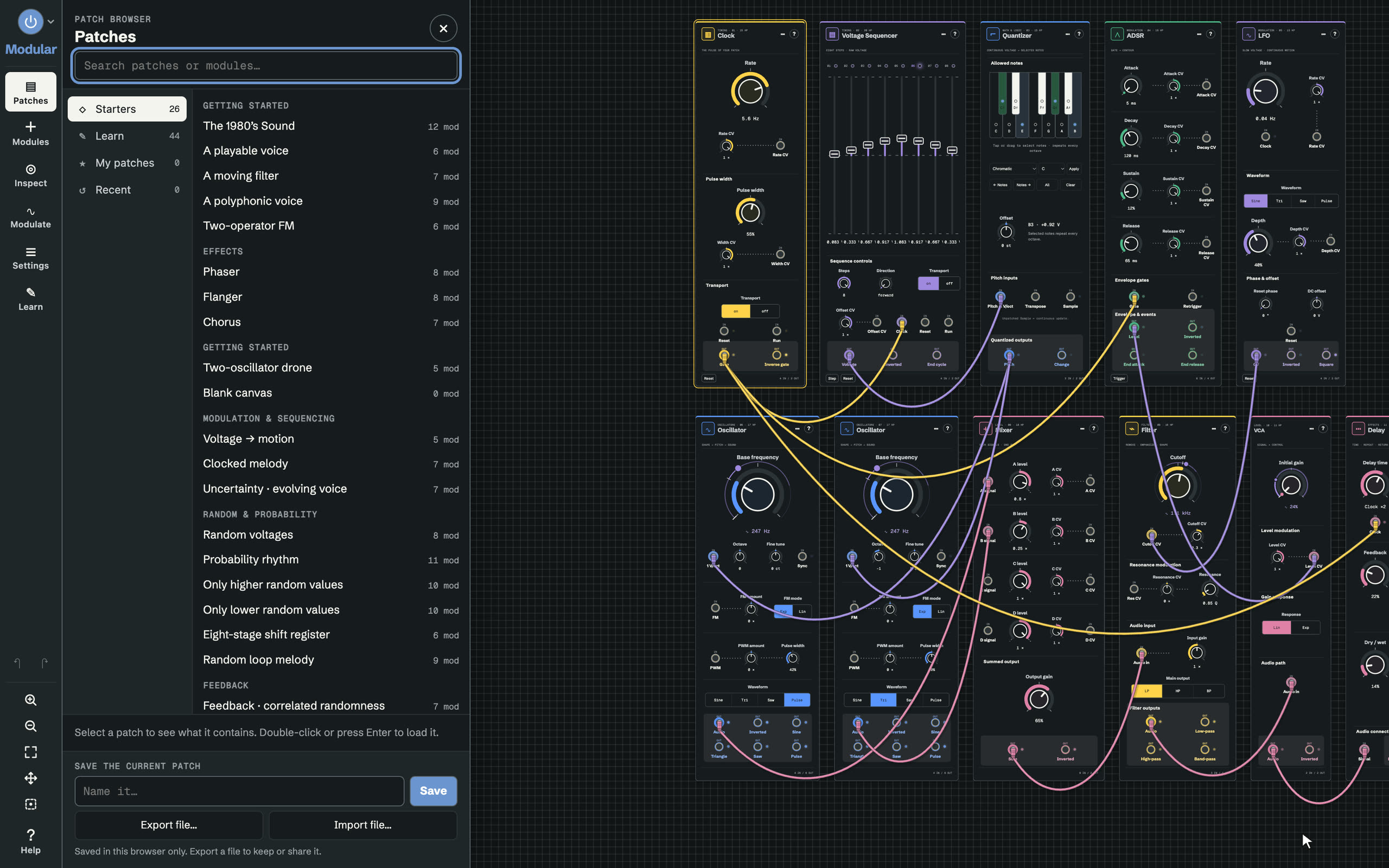
Saved it in your DAW?
Sign in and My patches follows you, into the web lab and onto every computer you sign in on. Teachers can share patches with their class.
That was one patch.
The whole lab is free on the web, with every module, the guides and the starter patches. It runs the plugin’s own engine, so a patch sounds the same in both. No account needed.
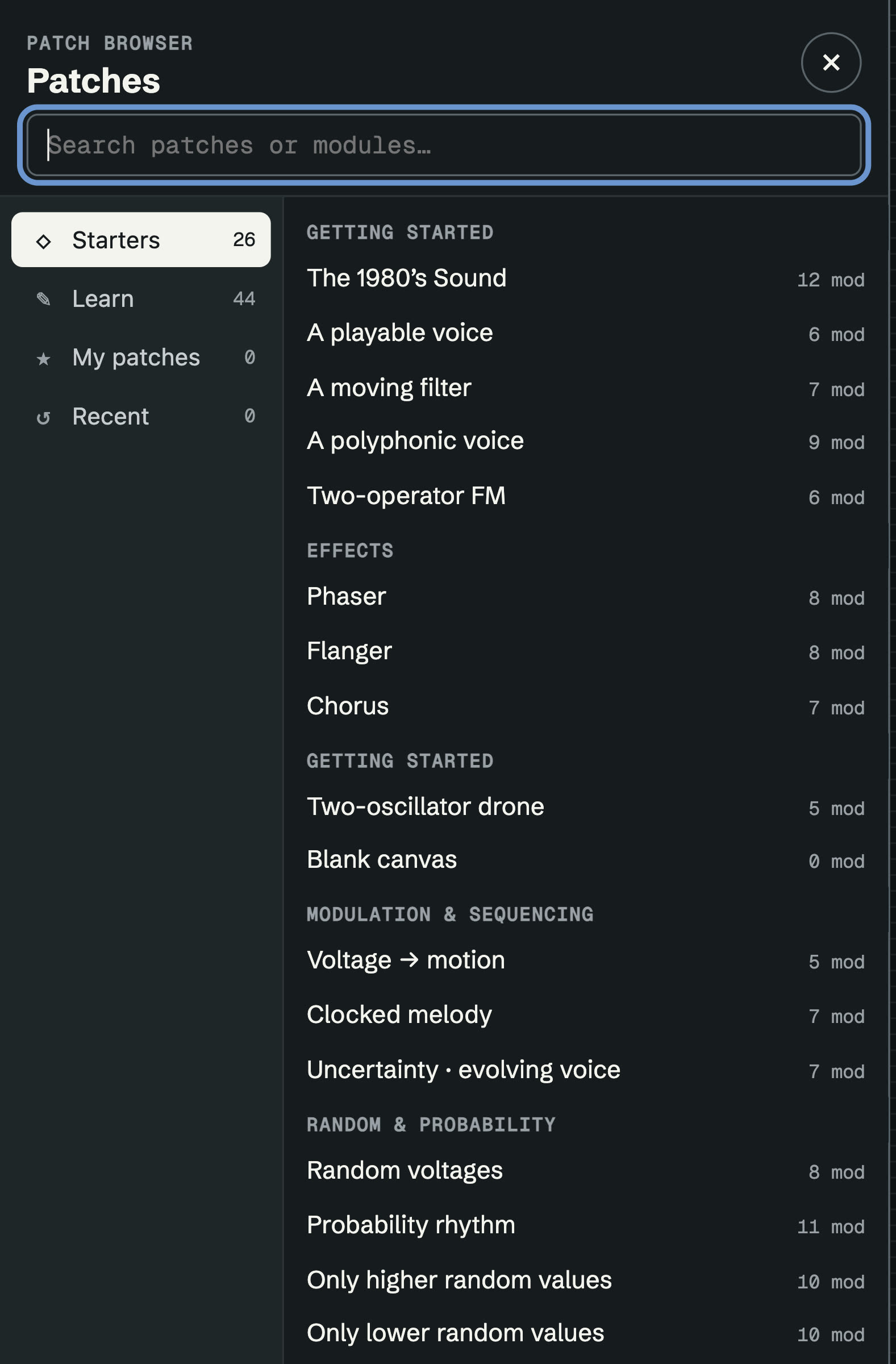
Put it on an instrument track, an audio track or a MIDI slot. Each one opens on its own starter patch.
Instrument
Play it from your DAW’s notes. Polyphonic, with your DAW’s Macro 1 to 8 on its knobs.
Opens on a four-voice synth.
Audio effect
Patch your track’s audio through anything in the rack, with MIDI in and a sidechain input.
Opens on a stereo auto-filter.
MIDI effect
Notes in, notes out. Sequence, quantize, randomize and generate MIDI for any instrument.
Opens on Note In to Note Out.
What the plugins add to the rack.
Conceived, designed, and perfected by humans.
Coded and optimized by machines.